

Download LimePic – Image Sharing, Firefox Add-on, Upload Images, Direct Links, Resize Images, Online Image Hosting, Webmaster Tool
Overview
LimePic is a specialized Firefox add-on designed to simplify the process of sharing images online. By integrating directly into the browser’s context menu, it allows users to upload images with a single right-click, making image sharing fast and efficient. This tool is particularly useful for individuals who frequently share visual content across forums, blogs, or social platforms. Its core purpose is to eliminate the friction typically associated with uploading images to external hosting services and then copying links manually.
The app is tailored for webmasters, content creators, and regular internet users who rely on quick access to image hosting and direct linking. It solves common pain points such as slow upload times, complex workflows, and the need for multiple browser tabs during content creation. By streamlining these tasks, LimePic enhances productivity and reduces time spent on routine image-sharing activities.
Although the developer did not provide additional technical details, LimePic has been available since 2010, indicating a long-standing presence in the Firefox ecosystem. Its continued relevance suggests a stable and reliable tool that meets a consistent user need. As part of the broader productivity category, LimePic fills a niche by offering a lightweight, focused solution for image management within the browser environment.
Key Features & Functionality
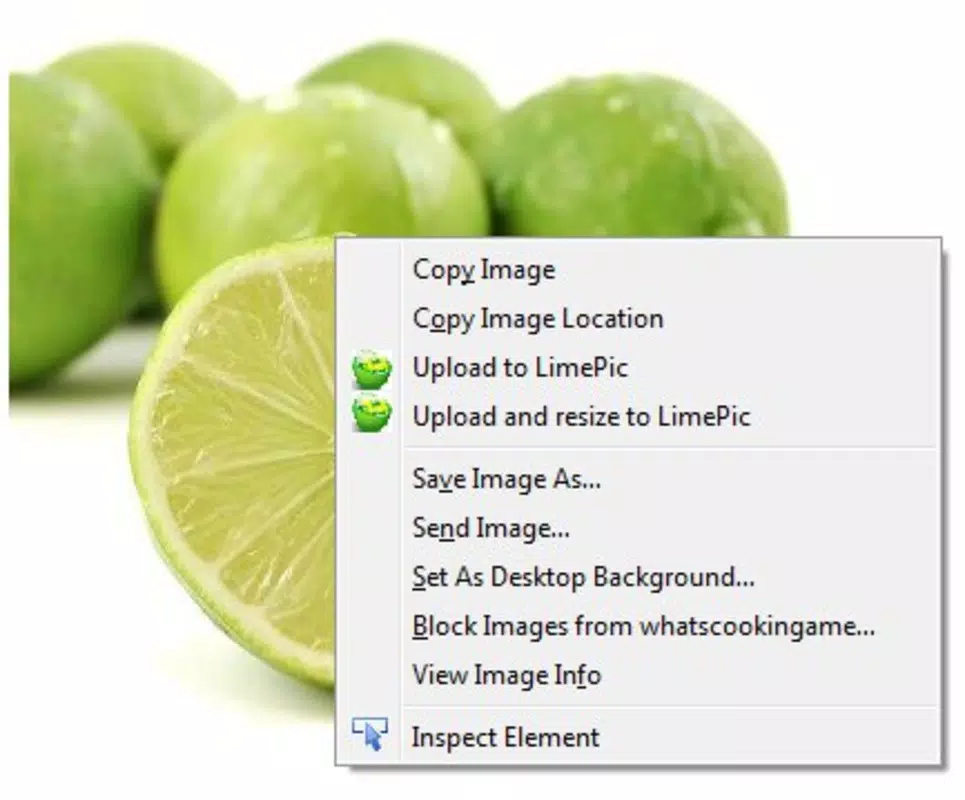
- Simple Upload Process: Users can upload any image directly from the browser by right-clicking and selecting “upload to LimePic.” This seamless integration reduces steps and minimizes user effort, ideal for rapid content sharing.
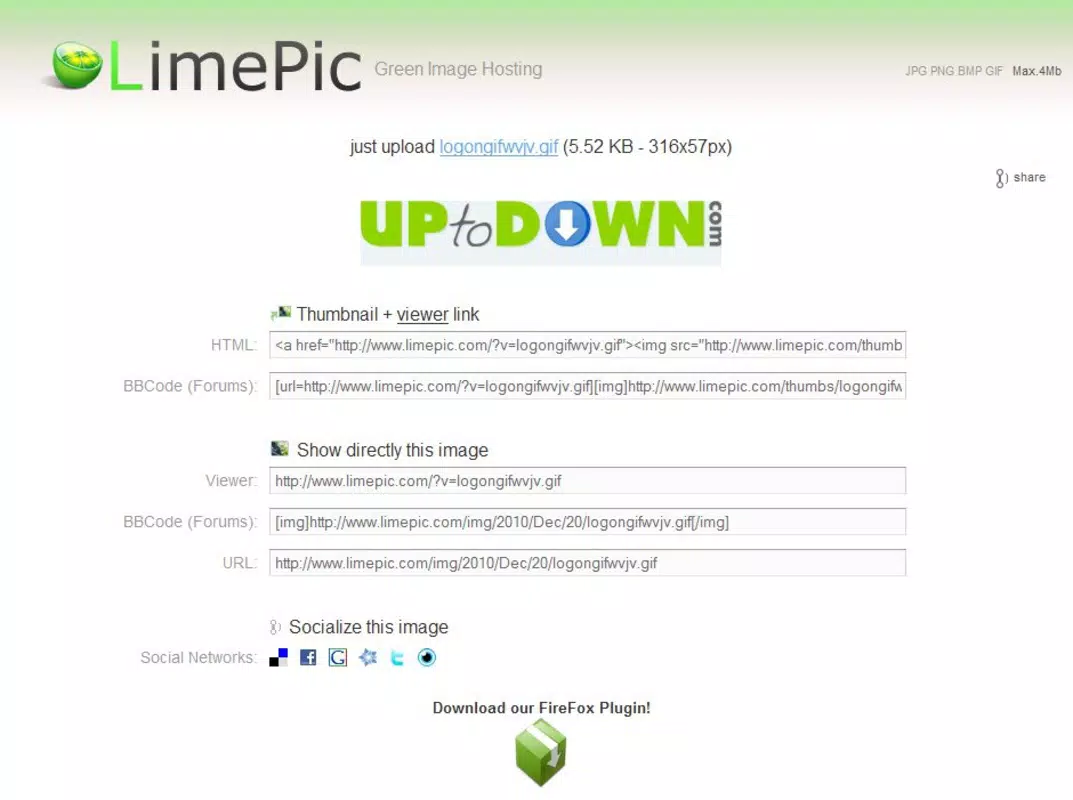
- Direct Links Available: After upload, LimePic generates a direct link to the hosted image, along with formatted HTML and forum code. This feature is especially valuable for webmasters who need to embed images in posts or websites without manual formatting.
- Image Resizing Option: The “upload and resize” feature allows users to reduce the dimensions of large images before sharing. This helps optimize loading speed and reduces bandwidth usage, making it suitable for users with limited data or slow connections.
- User-Friendly Interface: The interface is minimal and intuitive, ensuring accessibility for both beginners and advanced users. No tutorials or setup steps are required, allowing immediate use upon installation.
For example, a forum moderator can right-click an image, upload it, and instantly copy the formatted code to post in a thread. A blogger can resize a high-resolution photo before sharing it in a social media update, ensuring faster load times. These real-world applications highlight LimePic’s practical value in everyday digital workflows.
Interface, UX & Performance
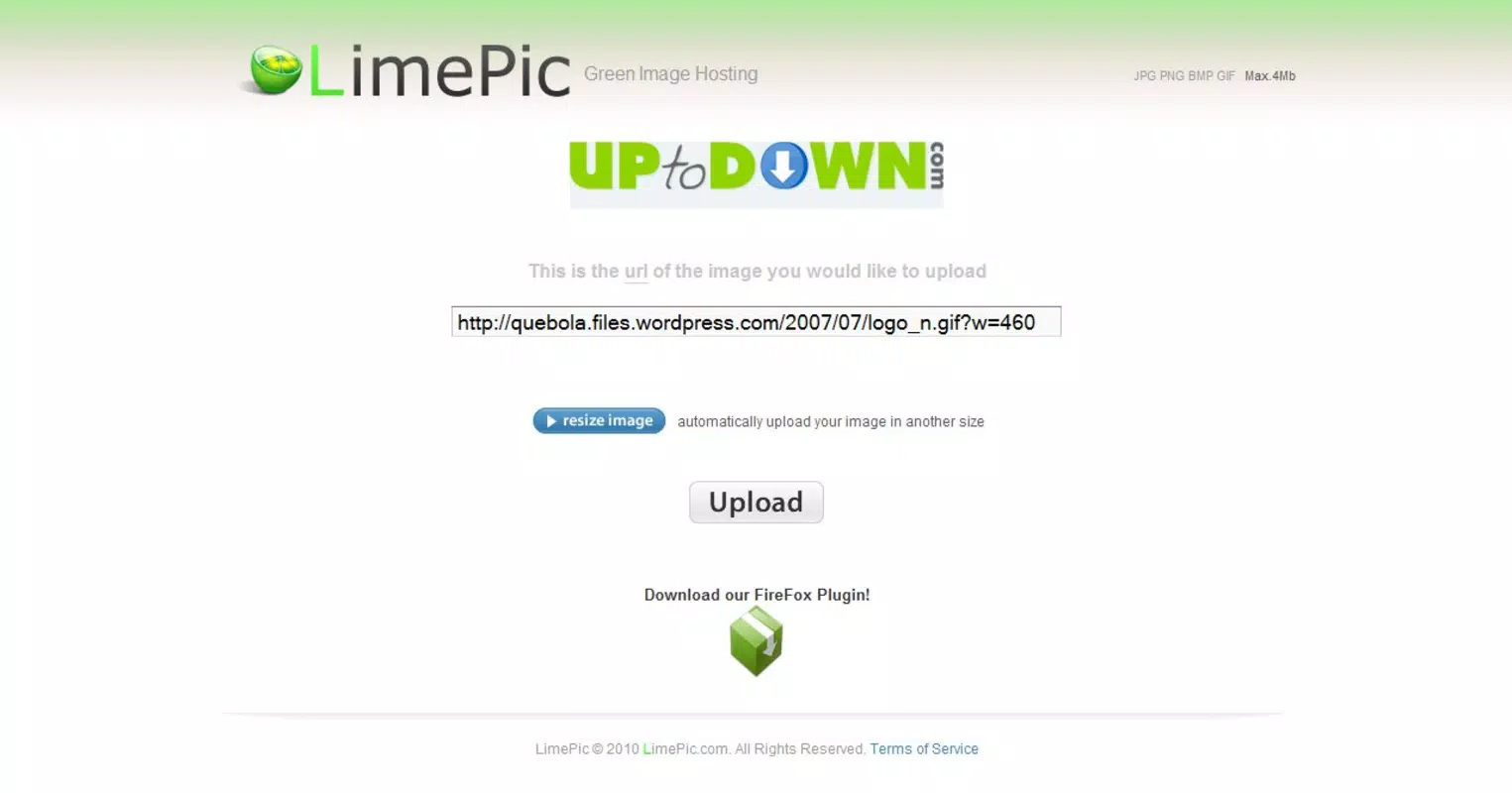
LimePic maintains a clean and minimal interface that aligns with Firefox’s design language. The context menu integration ensures that the tool remains unobtrusive while being instantly accessible. Navigation is intuitive, with no additional windows or complex menus—users simply right-click and select the upload option.
Although the developer did not list formal performance metrics, the tool operates efficiently within the browser environment. It is designed to handle image uploads and resizing without significant lag or browser slowdown. The lightweight nature of the add-on, at just 4.2 MB, contributes to its smooth operation across various device categories.
Responsiveness is consistent, with minimal delay between upload initiation and link generation. Stability is maintained through straightforward functionality, with no reported issues related to crashes or freezes. The user experience is optimized for speed and simplicity, aligning with modern expectations for browser extensions.
Platform Compatibility & Technical Requirements
LimePic is available exclusively for the Firefox browser. It is compatible with the latest versions of Firefox, though specific OS requirements were not listed. The app has a file size of 4.2 MB, which is relatively small and suitable for quick installation.
Given its release date of December 20, 2010, and continued availability, LimePic has demonstrated long-term compatibility with evolving Firefox versions. However, the developer did not specify minimum OS requirements or version compatibility details. Users should ensure their Firefox browser is up to date to maintain optimal functionality.
Pros and Cons
Pros
- Simple one-click image upload via right-click context menu
- Generates direct links and formatted codes for easy sharing
- Includes image resizing to optimize file size and loading speed
- Lightweight and fast, with minimal impact on browser performance
- Free to use with no in-app purchases or ads
Cons
- Platform-specific: Only available for Firefox, not other browsers
- Developer did not provide detailed technical specifications
- No mobile app version available
- Compatibility with older Firefox versions is uncertain
- Interface lacks advanced customization options
FAQ
Is LimePic safe to install?
Yes, LimePic is a free Firefox add-on that operates within the browser’s secure environment. It does not require access to sensitive data or system-level permissions.
Can I use LimePic on mobile browsers?
Currently, LimePic is only available as a Firefox add-on and does not have a mobile version or support for mobile browsers.
Does LimePic support image formats other than common ones?
While specific format support was not listed, the tool is designed to handle standard image formats commonly used online, such as JPEG, PNG, and GIF.
How often does LimePic receive updates?
Updates are released periodically to maintain compatibility with Firefox. The last known version is 2.1.2, with the app having been active since 2010.
Is LimePic available for Chrome or Safari?
No, LimePic is currently only compatible with Firefox. It is not available for Chrome, Safari, or other browser platforms.
Final Thoughts
LimePic remains a valuable tool for users who prioritize speed and simplicity in image sharing. Its seamless integration with Firefox, combined with direct linking and resizing features, makes it a reliable choice for webmasters, forum contributors, and content creators. Despite its age, the app continues to deliver core functionality without unnecessary complexity.
While it lacks modern features like cloud sync or cross-browser support, its focused design ensures consistent performance and ease of use. For anyone using Firefox and frequently sharing images, LimePic offers a straightforward solution that enhances productivity.
Download LimePic now


